Marketplaces
How to build a marketplace app: quotes, wallets and chat
What a service marketplace really needs, from verified providers and quotes to wallets, commissions and chat, based on two marketplaces I built for Morocco.
By Zakaria Bijaddigune, freelance full-stack developer in Agadir
· 6 min read
To build a marketplace app, start by choosing how prices are set (fixed listings or providers quoting each request), then build the core flow that turns a customer request into a completed, paid job. Around that flow you need provider verification, a wallet and commission system, in-app chat with push notifications, an admin dashboard for your operations team, and one backend that serves the mobile app, the website and the admin panel.
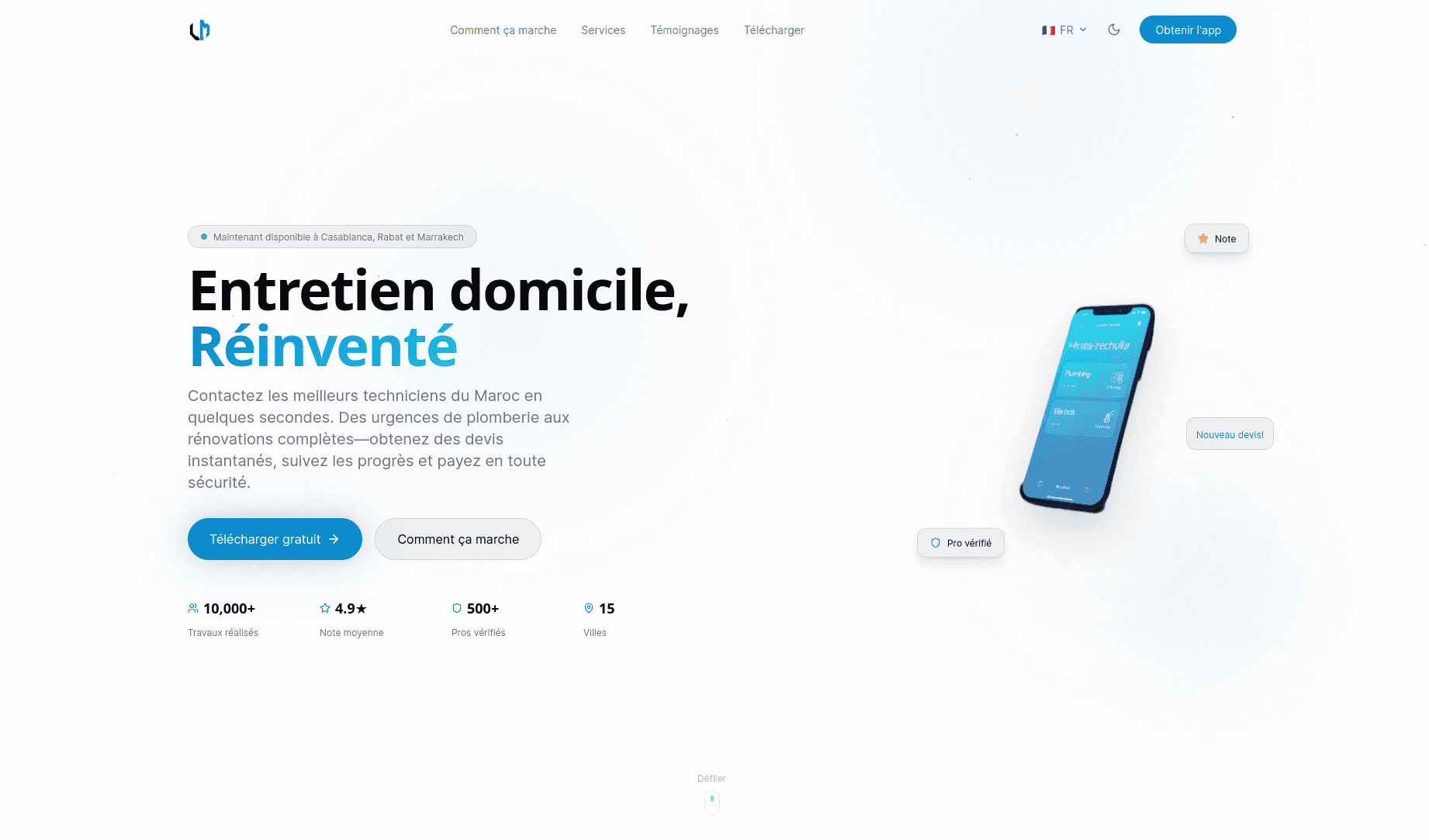
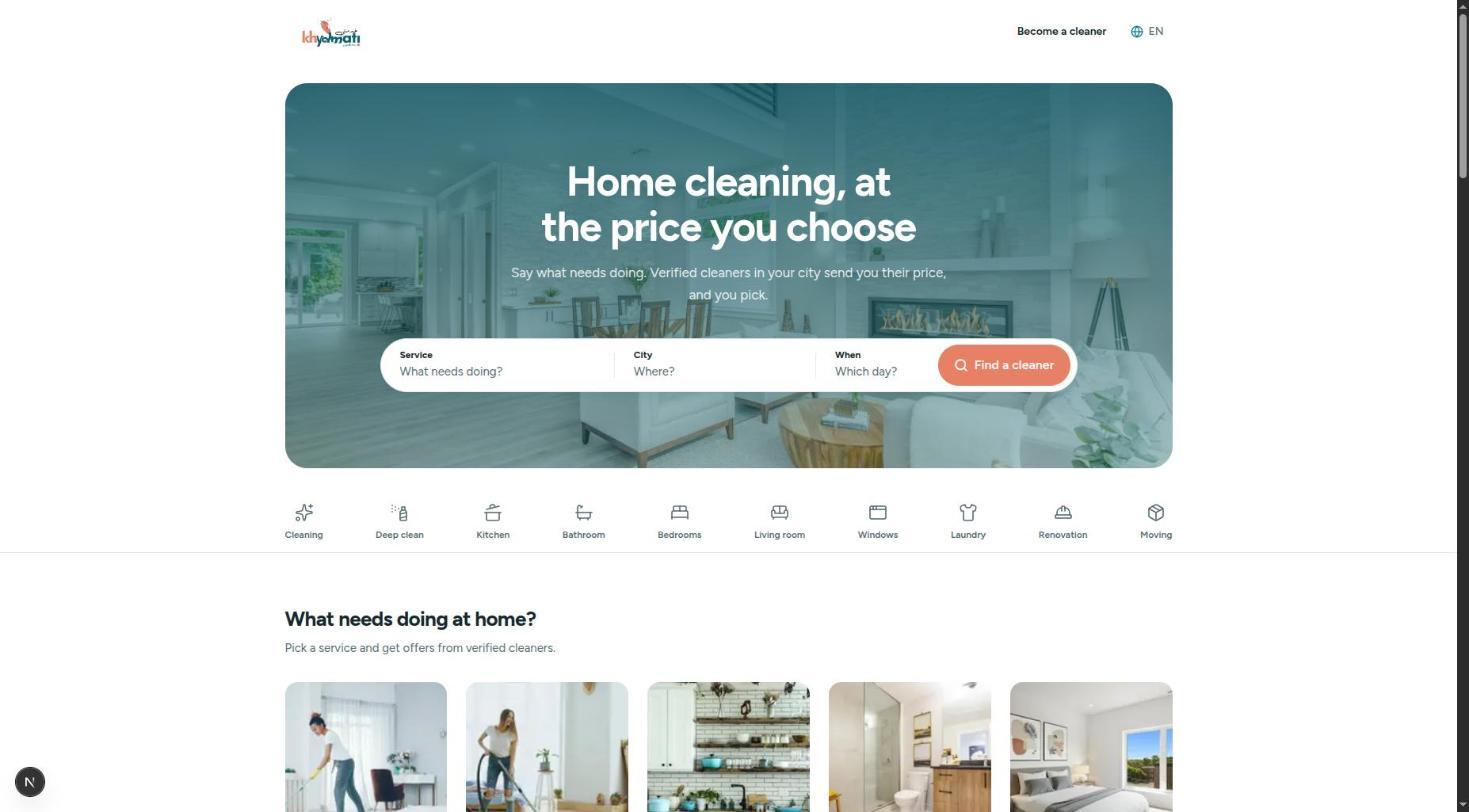
I’m Zakaria, a freelance full-stack developer in Agadir. I built two service marketplaces for Morocco: Lmaalmine, a nationwide home maintenance marketplace, and Khydmati, a home cleaning marketplace with ID-verified cleaners. Each one is several apps sharing one backend. This article is what I learned building them, written for the business owner who wants to launch one.
Choose the right marketplace model first
There are two common models, and the choice shapes almost everything else.
Fixed listings: each provider publishes a service with a price, and the customer books it. This works when jobs are similar from one customer to the next.
Provider quotes: the customer describes the job, providers send their own price, and the customer picks one. This works when every job is different.
Khydmati uses provider quotes. Cleaning prices in Morocco vary a lot with the size of the job, access to the property and the city, so one posted rate per cleaner didn’t fit. Letting cleaners price each job, and letting householders compare offers, solved the pricing problem through the market instead of a rigid rate card. Lmaalmine works the same way for repairs: a customer posts a job, compares quotes and a technician accepts.
| Question | Fixed listings | Provider quotes |
|---|---|---|
| Jobs look alike from one customer to the next | Good fit | Works, but adds a step |
| Price depends on size, location or condition | Hard to price fairly | Good fit |
| Customer gets an answer | Immediately | After providers respond |
| What you need to build | Catalog and booking | Requests, offers and comparison |
The core flow: request, quotes, deal, completion
Every service marketplace has a main path. In Khydmati it goes like this:
- The householder posts a request: service type, property, date and time slot.
- Verified cleaners in that city see open requests and send a priced offer with a note.
- The householder compares offers and accepts one. It becomes a deal.
- The deal is tracked through to completion, then a review, with an optional dispute.
- On completion, the platform’s commission is recorded.
Get this path working end to end before anything else. Each step needs clear statuses, and the server, not the app, should decide which status changes are allowed. If the app is the only thing stopping a cancelled request from being accepted, someone will eventually find a way around it.
Provider verification, enforced on the server
Customers are letting someone into their home, so trust is the product. In Khydmati, a cleaner can’t send a single offer before passing identity verification: a photo of both sides of the ID card checked for authenticity, a live selfie matched against the ID, then a manual review by the team. I used Didit for the verification flow.
The important detail is where the check happens. The verification status (pending, approved, rejected) is checked by the API before a cleaner can submit an offer, not only hidden in the app’s interface. That way the guarantee holds even if someone bypasses the app or replays an old request.
Wallets and commissions
Money is where marketplaces get complicated, so keep the first version simple and visible.
In Khydmati, each cleaner has a running wallet balance. Every completed job creates a commission owed to the platform. The cleaner sees it in the mobile app, the ops team sees it in the dashboard, and commission payments are tracked per cleaner.
Lmaalmine uses a wallet with bank-transfer approval: a provider sends a transfer, and an admin checks it and credits the wallet. This keeps a person in the loop for every credit and gives the business full financial oversight.
A few rules I follow:
- Record every movement of money as its own entry, never just overwrite a balance.
- Show the provider exactly what they owe and why.
- Let admins approve or correct money movements, and keep a record of who did what.
In-app chat and push notifications
Once a quote is accepted, the customer and provider need to talk: directions, timing, a photo of the problem. In Khydmati, a one-to-one chat opens once an offer is accepted. Lmaalmine has real-time chat over Socket.io.
Push notifications matter as much as the chat. Both apps notify users about new offers, new messages and status changes. On a quote-based marketplace, a provider who sees a request late loses the job, so notifications are part of the core flow, not a nice extra.
Phone login with OTP via WhatsApp or SMS
For many users in Morocco, an email login is friction. Khydmati signs users in with their phone number and a one-time code sent by WhatsApp or SMS through Twilio Verify, with the login stored securely on the device. Lmaalmine also uses OTP verification.
Arabic, French and English, with real RTL
Both marketplaces work in Arabic, French and English. Arabic isn’t just translated text: the whole layout flips right to left, on the mobile app and on the admin dashboard. Plan for this from the start. Adding right-to-left support to a finished app means revisiting every screen.
The admin and operations dashboard
Customers see the app. Your team lives in the dashboard. In Khydmati, the ops dashboard covers verifications, bookings, cleaners, households, invoices, financials, and wallet and commission balances per cleaner. The team approves or suspends cleaners, resolves verifications and follows every booking from there.
To save time, I built the Khydmati dashboard on a commercial admin template and spent the effort on the platform’s own data and workflows instead of rebuilding tables and forms.
One API for mobile, web and admin
Lmaalmine is four apps in production. Khydmati is also four: a mobile app, an admin console, a public booking site and the API. In both, every app talks to the same backend (NestJS and PostgreSQL). The business rules live in one place, so a rule like “only verified cleaners can send offers” applies everywhere, and fixing a bug fixes it for every app at once. You can read more about my stack on the full-stack developer in Morocco page.
What to build first, and what can wait
A first version should prove that customers post requests and providers answer them. Here is how I would split it:
| In the first version | Can wait |
|---|---|
| Request, quote, deal and completion flow | Advanced search and filters |
| Provider verification checked on the server | Ratings with detailed categories |
| Phone login with OTP | Promotions and referral codes |
| Chat and push notifications | Automated payouts |
| Wallet and commission records | Detailed analytics |
| Admin dashboard for verifications and bookings | Extra cities and services beyond the launch area |
| The languages your customers use | Extra app features for power users |
On cost: it depends on the number of user roles, the payment and verification services, the languages, and whether you need a mobile app, a website or both. I don’t publish prices; after a short call to define the scope, I give a fixed quote.
Common mistakes
- Building both sides as one app with a switch. Customers and providers have different needs. In Khydmati, the role (householder or cleaner) is chosen once at onboarding and each role gets its own screens.
- Trusting the app to enforce rules. Verification, statuses and money rules belong on the server.
- Leaving the admin side for later. Without a dashboard, every verification and every dispute becomes a manual task in a database.
- Starting with email login in a market that lives on the phone.
- Treating Arabic as an afterthought.
- Launching in every city at once, so providers in each city see too few requests to stay.
Next step
If you are planning a service marketplace, tell me about your idea: who the customers are, who the providers are and how prices should work. I’ll help you define a first version worth launching.